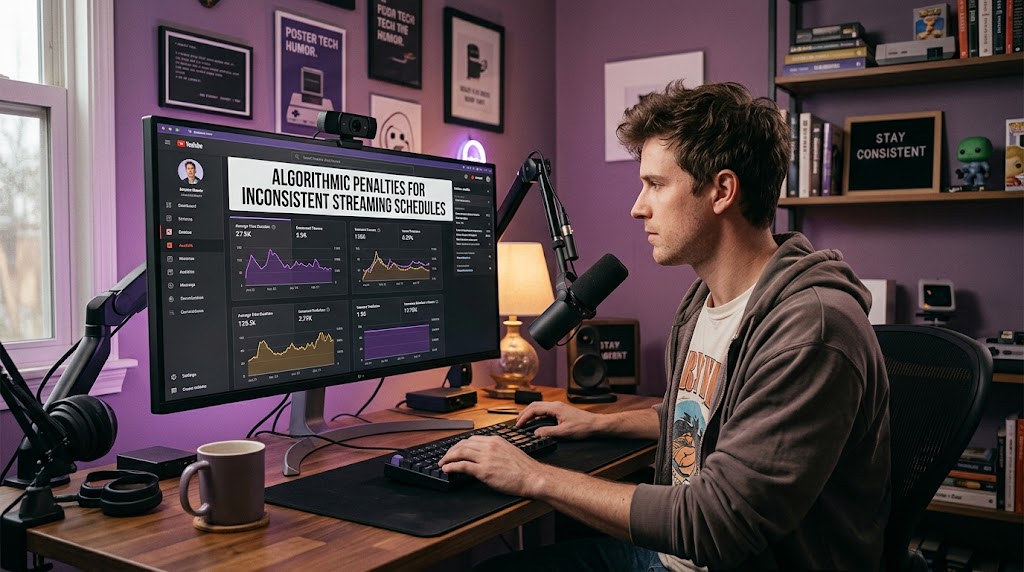
A machine-learning system can make a stream feel invisible overnight, but changing Tuesday’s broadcast to Friday isn’t automatically enough to bury a creator. What actually changes is the behavior around the broadcast: viewers miss the start, reminders become less useful, returning visits can weaken, and the platform receives different audience signals. Streaming schedules therefore matter less as a secret algorithmic rule and more as a framework for creating predictable viewer behavior.
There is an important correction to the popular “Trust Score” theory. YouTube does not publicly document a hidden score that punishes creators for changing their schedule, and it explicitly says taking breaks does not trigger an algorithmic penalty.
1. Missed Broadcasts Break the Viewing Habit
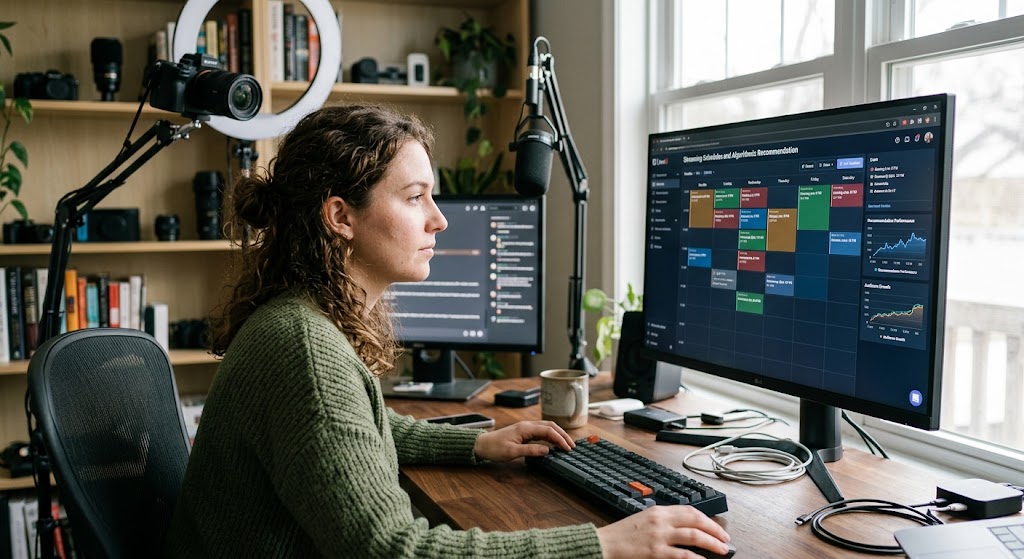
A viewer who expects a stream every Wednesday at 8 PM knows exactly when to return. Move that broadcast repeatedly and the viewer may stop checking, even though YouTube has not issued a formal penalty.
The practical damage is simple: fewer people are ready when you go live. Over time, that can mean fewer opportunities to generate strong engagement during the broadcast.
2. Unstable Timing Creates Noisy Performance Data
Imagine streaming Monday at 8 PM one week and Saturday at 2 PM the next. Those sessions are competing against completely different viewer routines, time zones, events, and competing broadcasts.
That makes your analytics harder to interpret. A weaker Saturday stream does not necessarily mean your content became worse; the audience may simply have been elsewhere.
3. Early Audience Response Can Become Less Reliable
YouTube evaluates whether viewers choose to watch, continue watching, and feel satisfied with content.
If your regular viewers repeatedly miss the beginning, the broadcast may lose some of the immediate interaction that normally comes from an established audience. That’s an audience problem first, not proof of a hidden punishment.
4. Returning Viewers Can Become Harder to Build
YouTube describes regular viewers as people who repeatedly watch a channel over an extended period. Consistent content and familiar formats are among the patterns associated with stronger regular-viewer behavior.
A chaotic calendar can interrupt that routine. The viewer still likes you, but they no longer know when you’re worth checking for.
5. Viewer Predictability Drops Across Different Time Slots
Viewer predictability is not an official ranking score, but it is extremely useful for your own analysis. When broadcasts happen at comparable times, changes in concurrent viewers and retention become easier to interpret.
You can then distinguish a content problem from a scheduling problem. That’s far more useful than blaming “the algorithm” every time numbers dip.
6. Notification and Reminder Opportunities Become Less Effective
Scheduled live events give audiences a clearer opportunity to plan around the broadcast. YouTube recommends considering when your audience is active for live content because timing can influence immediate engagement, even though publish time is not known to determine long-term video performance.
Constantly changing the schedule creates friction. A viewer who has already missed three unexpected streams may simply stop reacting to the next announcement.
mphasizing sustainable consistency and quality over simply producing more content.
7. An Unstable Calendar Can Weaken Your Channel Routine
The strongest fix is surprisingly boring: choose days and times you can actually maintain. YouTube recommends building a consistent, sustainable schedule and specifically suggests planning content for weeks or months ahead.
Try this practical setup:
- Pick 2 to 4 fixed weekly slots.
- Keep the time zone consistent.
- Publish the schedule somewhere viewers can easily find it.
- Announce unavoidable changes before the original broadcast time.
- Compare similar streams rather than random time slots.
- Review returning viewers, retention, concurrent viewers, and traffic sources.
- Change one variable at a time.
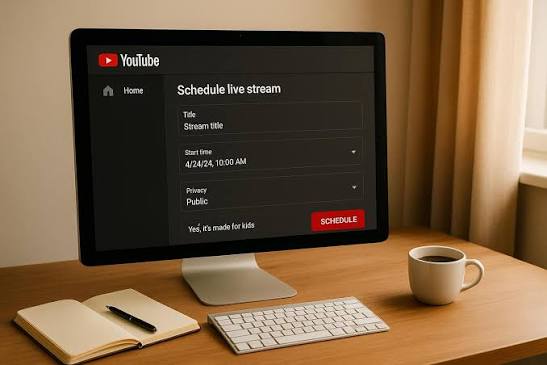
If you need the technical side of planning a broadcast, this guide on how to schedule a live stream on YouTube mobile fits naturally into the workflow.
The real lesson is sharper than the usual algorithm horror story. The platform does not need to punish your schedule when an unpredictable schedule can already make your audience less predictable.
Q&A
Does changing my streaming day automatically reduce my reach?
No. YouTube does not state that changing a live-streaming day creates a direct ranking penalty, and it explicitly says taking breaks does not result in algorithmic punishment.
How many days should I stream each week?
There is no universal number that guarantees growth. A smaller schedule you can maintain consistently is generally more useful than an aggressive calendar that repeatedly collapses.
Should I keep the exact same streaming time forever?
Not necessarily. Test different slots using your audience analytics, but change deliberately and give each schedule enough comparable broadcasts to produce meaningful data before judging it.

Bùi Quang Huy spent six years working in content operations for a regional video platform, where he organized channel directories, improved content tags, and monitored recommendation quality. He understands how search terms, categories, hashtags, alerts, and viewing history affect what users find online. His guides help readers discover relevant livestreams without endlessly scrolling through crowded platform homepages.